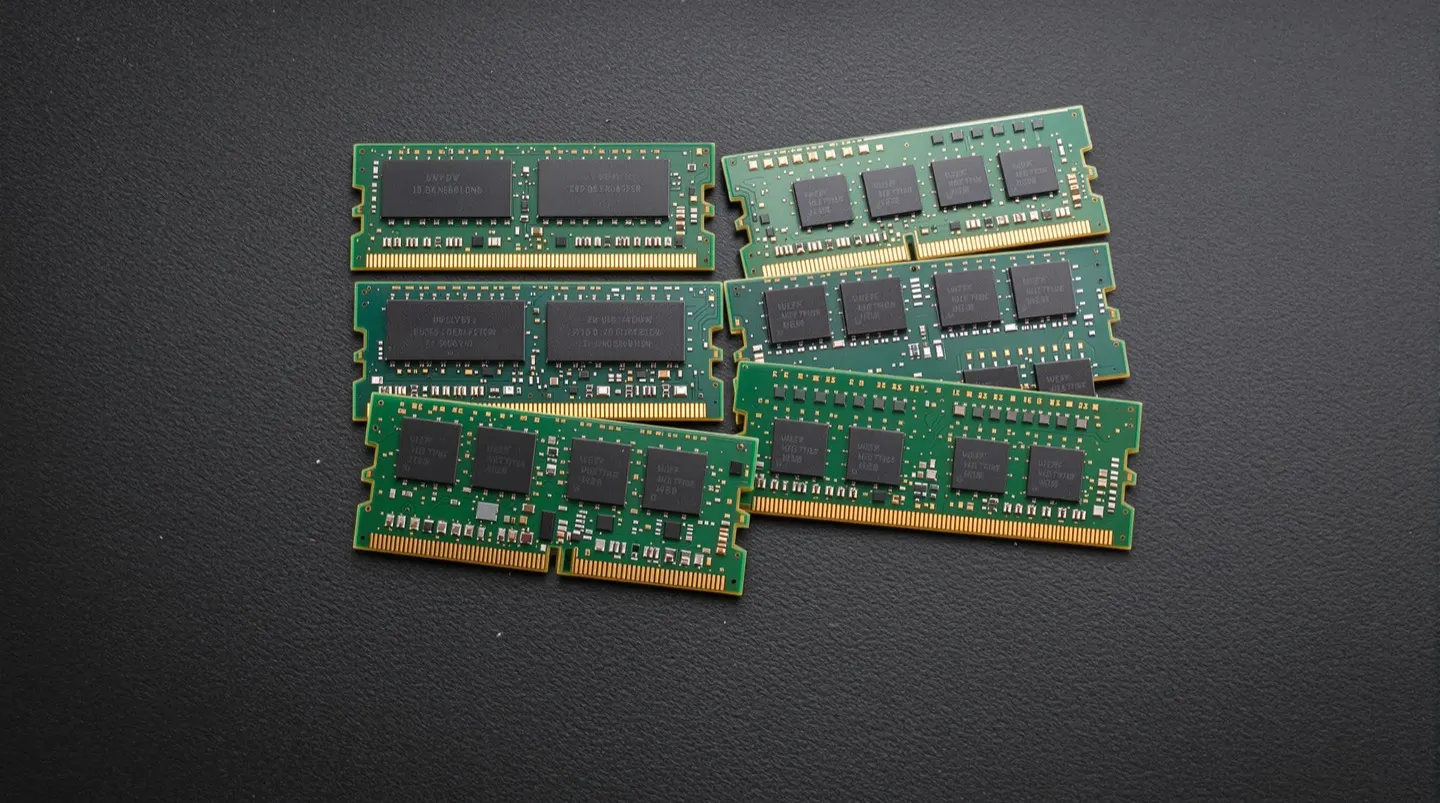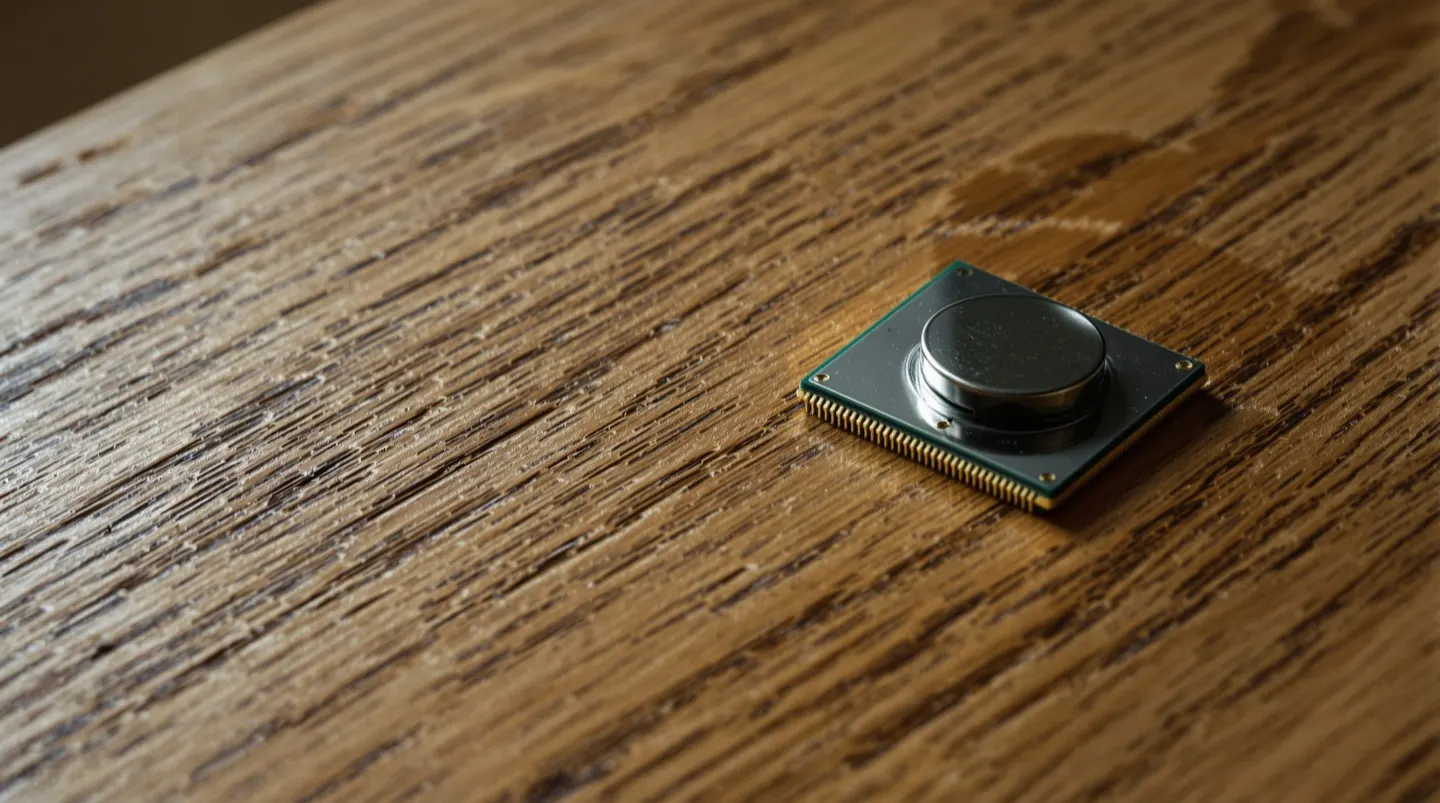
For most of the PC era, Windows laptops ran on x86 processors from Intel and AMD. That’s starting to change. A new generation of ARM-based laptops — powered by chips from Qualcomm and others — has reached a point where it’s worth taking seriously. For the first time, buying an ARM Windows laptop doesn’t feel like a science experiment. But the category still has trade-offs, and they’re not the right fit for everyone.
What Changed to Make ARM Viable
ARM processors, the same basic architecture used in smartphones and Apple’s Mac line, have two big advantages: power efficiency and battery life. For years, ARM Windows laptops were held back by compatibility problems — most Windows apps were written for x86 chips and ran slowly, or not at all, through translation layers. Two things have shifted the picture.
First, the translation layer for running older x86 apps on ARM has improved significantly. Most everyday applications now run with a performance penalty that’s small enough to ignore. Second, native ARM versions of popular apps have become more common. Browsers, Office, Adobe’s creative tools, and many development environments now ship ARM-native builds, which run at full speed.
The result is a class of laptop that can deliver genuinely all-day battery life, run cool and quiet, and wake from sleep as reliably as a smartphone. Performance for everyday tasks — browsing, video streaming, office work, even moderate photo editing — is competitive with traditional laptops, and the efficiency advantage shows up most clearly in how long the battery actually lasts away from an outlet.
Where ARM Still Falls Short
The picture isn’t uniformly positive, and the trade-offs matter most for specific kinds of users:
- Specialized and legacy software. Some apps still don’t run well on ARM. This is especially true for older or niche software: certain drivers, games with anti-cheat systems, specialized engineering tools, and some enterprise applications. If you depend on a specific app, verify it works before buying.
- Gaming. ARM Windows laptops aren’t aimed at gamers. Game compatibility is improving, but the combination of translation overhead, driver support, and GPU limitations means serious PC gamers should still look to x86 machines with dedicated graphics.
- Peripherals. Older printers, scanners, and other hardware can have driver issues on ARM. Most modern peripherals work fine, but if you have legacy gear, check first.
- Development workloads. This is a mixed bag. Many development tools run great on ARM, especially browsers and modern languages. But certain SDKs, emulators, and low-level tools assume x86 and can be painful to set up.
For everyday users — people whose main tasks are web browsing, email, documents, video calls, and media — most of these caveats don’t apply. The compatibility gaps mainly bite developers, gamers, and people tied to specific business software.
What It Means for You
ARM Windows laptops have crossed the line from “interesting experiment” to “genuinely worth considering” for a large share of buyers. If your needs are mainstream and battery life matters to you — students, frequent travelers, office workers, anyone who works away from a charger — an ARM laptop can be a noticeable quality-of-life upgrade.
The right move before buying is to make a list of the apps you rely on and confirm each one runs well on ARM. If the list clears, the benefits are real: better battery life, a cooler and quieter machine, and instant-on behavior that feels more like a phone than a traditional PC. If your list includes games, niche software, or older peripherals, an x86 laptop remains the safer choice. The category will keep improving, but in 2026 the decision is finally a real one rather than a foregone conclusion.