Apple’s Mac lineup has converged in a way that makes choosing harder, not easier. The M4 MacBook Air and the M4 MacBook Pro share the same underlying chip family, similar displays, and a largely overlapping feature set. For a lot of buyers, either machine would handle their workload without complaint. So the decision comes down to specifics — and being honest about how you actually use a computer.
Where the Air Wins
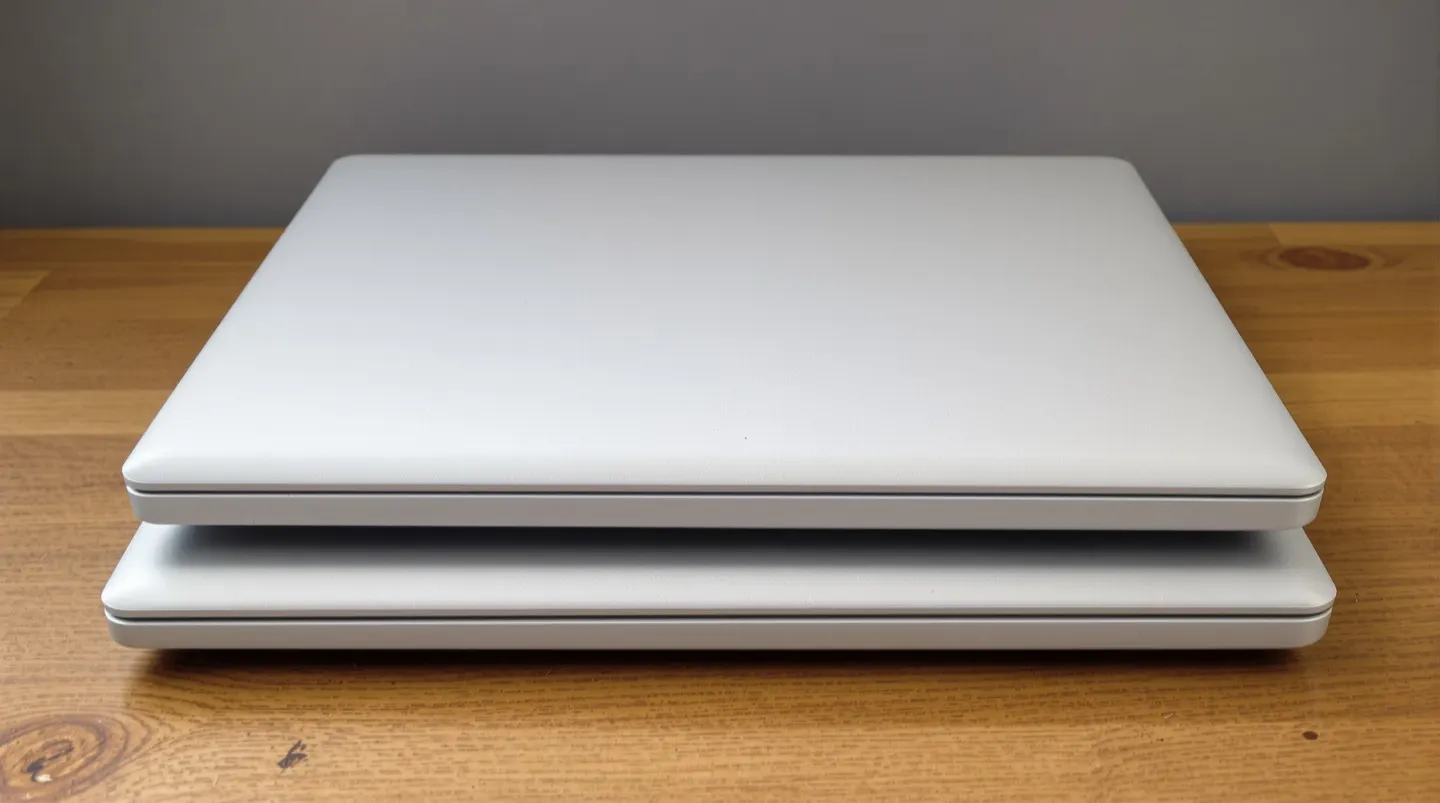
The MacBook Air’s appeal has always been about portability and value, and that hasn’t changed. It’s noticeably thinner and lighter than the Pro, which matters more than people realize if you carry a laptop every day. The fanless design means silent operation — there’s no fan noise to kick in during a video call or while editing a document.
Battery life is excellent, in line with what Apple’s silicon has delivered for several generations. For typical work — browsing, writing, email, video streaming, light photo editing — the Air is more than enough. The display is sharp and color-accurate for general use, and the build quality feels premium.
The biggest argument for the Air is price. It starts lower than the Pro, and the base configuration is genuinely usable rather than a teaser that forces an upgrade. For students, writers, office workers, and anyone whose heaviest task is occasional photo or video editing, the Air is usually the right call.
Where the Air shows its limits is with sustained heavy workloads. Without a fan, the processor throttles under extended load. If you regularly export long 4K videos, compile large codebases, or run heavy creative apps for hours, the Air will slow down to manage heat.
Where the Pro Justifies Itself
The MacBook Pro earns its premium when you push it. The built-in fan lets the M4 chip sustain higher performance for longer, which matters for video editing, 3D rendering, software development, and other demanding tasks. The display is the other meaningful differentiator — the Pro’s screen supports higher refresh rates and, on higher-tier configurations, brighter HDR content. For creative professionals who care about color accuracy and motion smoothness, the difference is real.
The Pro also tends to offer more ports and better connectivity options, reducing the need for dongles. That sounds minor, but it adds up when you’re regularly connecting external displays, storage, and accessories. The Pro also generally supports more external monitors than the Air’s base configuration.
Battery life on the Pro is also strong, and under heavy load the Pro lasts longer than the Air simply because it doesn’t need to throttle as aggressively.
A quick way to think about the split:
- Choose the Air if your workloads are light to moderate, portability is a priority, and you’d rather spend the price difference elsewhere.
- Choose the Pro if you regularly run sustained heavy workloads, the better display genuinely matters to your work, or you need more ports and external display support.
What It Means for You
The most common mistake buyers make is overbuying — paying Pro prices for capabilities they’ll never use. If you’re unsure, the Air is almost certainly enough. Apple’s M-series chips are so capable that the base Air handles most people’s work without breaking a sweat.
The reverse mistake is less common but more painful: creative professionals or developers who buy an Air to save money, then run into thermal throttling during long renders and end up frustrated. If your work involves sustained heavy processing, the Pro’s cooling system and display are worth the premium.
A useful exercise before buying: track what you actually do on your current laptop for a week. If the heaviest apps are a browser, a word processor, and a photo manager, get the Air. If you’re regularly waiting on exports, renders, or builds, the Pro pays for itself in time saved.