Memory is the spec people most often get wrong in both directions. Some buyers pay a premium for 32GB they will never touch; others save a hundred dollars on 8GB and spend the next four years watching tabs reload. The confusion is understandable, because the honest answer changed recently: unified memory architectures, smarter operating systems, and on-device AI features have all shifted where the real thresholds sit.
This is a practical guide to choosing memory capacity on a laptop or desktop in 2026, and to the one factor that matters more than the number itself.
What RAM Actually Does
Random-access memory is your computer’s working surface. Anything the processor is actively using — the operating system, each open application, every browser tab, the file you’re editing — lives there because it can be read far faster than from storage. When the working surface fills up, the system starts moving less-used data to the drive, a process called swapping or paging.
Modern swapping on a fast SSD is much less painful than it was on spinning disks, which is why an 8GB machine in 2026 feels smoother than an 8GB machine did a decade ago. But swapping is still slower than memory by a wide margin, and heavy swapping shows up as the specific kind of slowness people hate: apps pausing when you switch to them, tabs reloading, video calls stuttering while something else renders in the background.
The Practical Tiers
- 8GB — entry level, and increasingly tight. Fine for a browser with a modest number of tabs, office documents, streaming, and light photo edits. It still works, particularly on systems with fast storage and efficient memory compression. But it leaves no headroom, and it’s the tier most likely to feel dated before the machine wears out.
- 16GB — the sensible default for most people. Comfortable for dozens of tabs, a video call running alongside your work, photo editing, light video, and development environments. If you don’t have a specific reason to go higher, this is the tier to buy.
- 24GB or 32GB — for specific workloads. Video editing at high resolutions, 3D and CAD work, virtual machines, large datasets, running local AI models, or simply keeping a very large number of applications open at once. If your work involves any of those regularly, the extra memory pays for itself in avoided waiting.
- Above 32GB — professional territory. Worth it when you know exactly why you need it, and generally on a machine chosen for that purpose rather than a general-purpose laptop.
The Factor That Matters More Than the Number
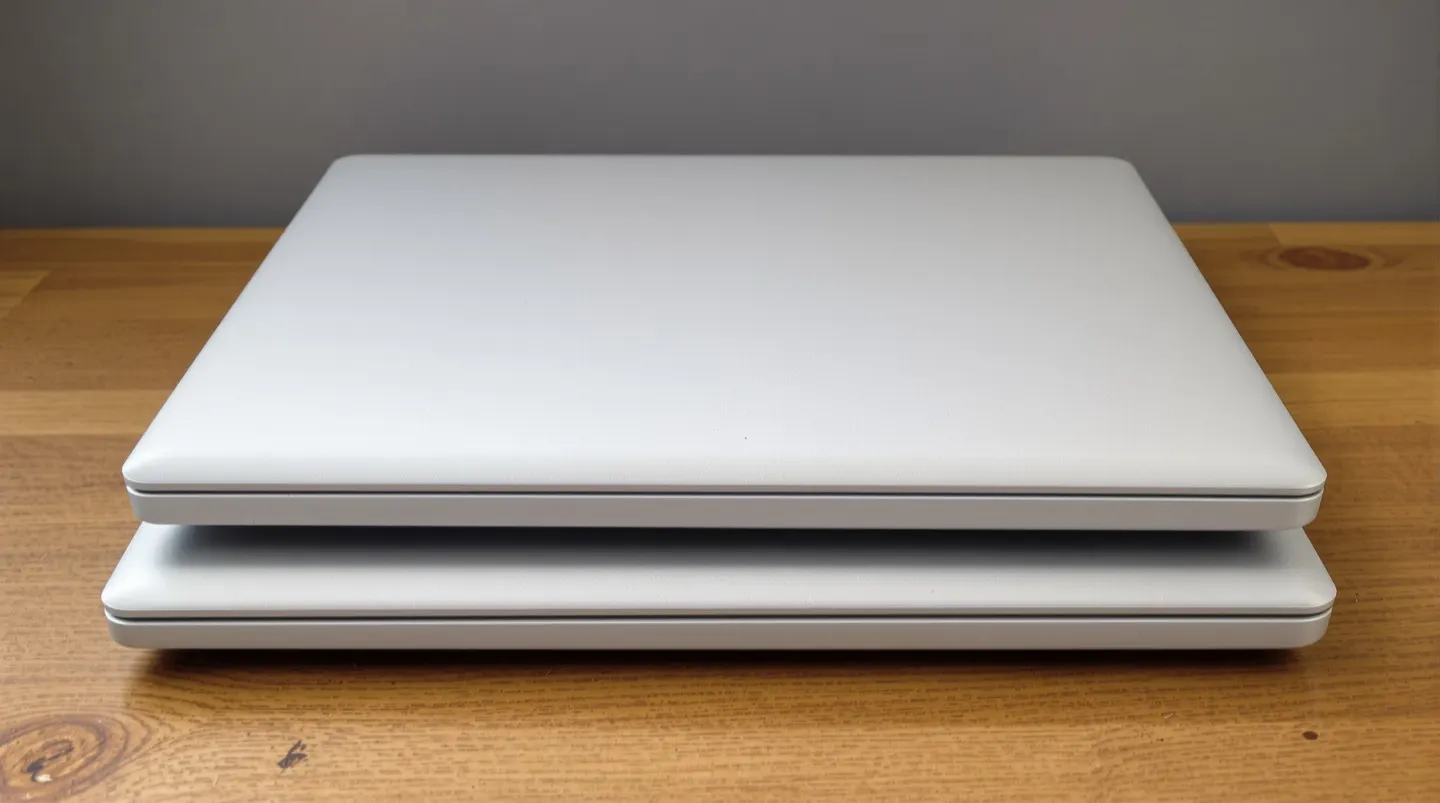
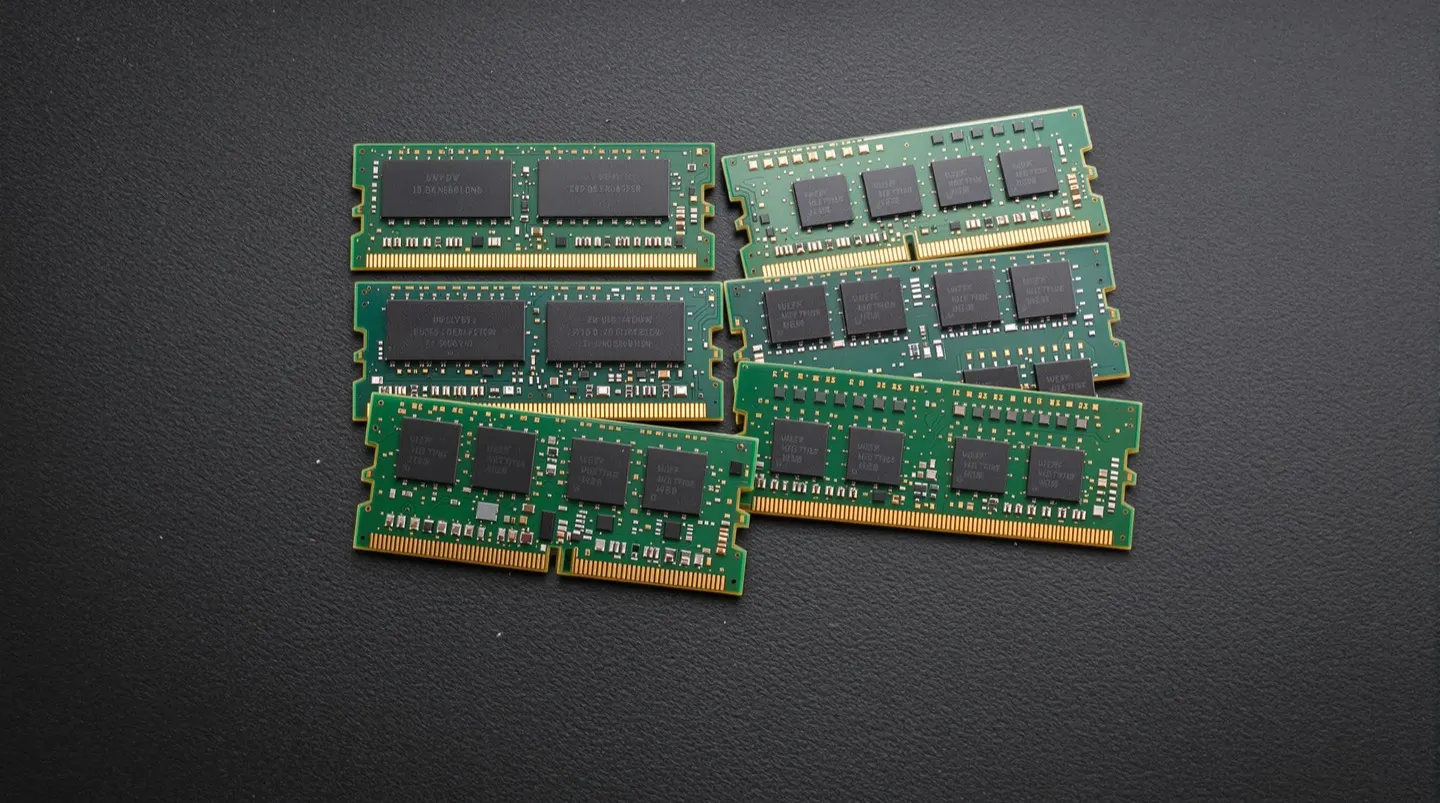
Whether the memory is upgradeable later is often the more consequential question. Most thin-and-light laptops — and every Apple silicon Mac — solder memory to the board or integrate it into the chip package. Whatever you buy is what the machine will have for its entire life. Many larger Windows laptops and nearly all desktops still use replaceable modules, which turns memory into a decision you can revisit.
The buying rule follows from that. On a machine with soldered memory, buy one tier above what you need today, because the upgrade path is “buy a new computer.” On a machine with accessible slots, buy what you need now and add more later if the workload grows — memory modules are one of the few components that get cheaper over time.
It’s also worth checking how the memory is configured. Dual-channel setups, where memory is split across two modules or channels, meaningfully outperform a single module of the same total capacity in memory-sensitive tasks. A budget laptop advertising 16GB in a single stick will be slower in some workloads than one with two 8GB sticks.
Two Things That Changed Recently
Unified memory on ARM-based systems, including Apple silicon and newer Windows-on-ARM machines, means the processor and graphics share one pool. That’s efficient — data doesn’t get copied between separate pools — but it also means graphics-heavy work consumes memory that applications would otherwise use. On these systems, a given capacity does slightly more work than the same number on a traditional design, while heavy graphics or video work eats into it faster.
On-device AI is the other change. Features that run models locally — live transcription, image generation, writing assistance, smart search — reserve memory while active. The amounts are modest today, but the trend points upward, and it’s one more argument for treating 16GB as a floor rather than a ceiling on a machine you plan to keep for five years.
What It Means for You
If you’re buying a general-purpose laptop and don’t want to think about it: 16GB, and check whether it’s upgradeable. If it isn’t, and the 32GB option costs a reasonable amount more on a machine you intend to keep a long time, that upgrade is one of the better uses of the budget — better than a slightly faster processor in most cases.
Save the money instead if your work genuinely lives in a browser and a word processor, and the machine has slots you can revisit. And if you’re deciding between more memory and more storage on a soldered machine, remember that external storage is cheap and easy while external memory doesn’t exist.