Buying a laptop for school used to be straightforward: pick something cheap and light enough to carry. In 2026 the options are better but the decision is more complicated, because students use laptops for everything from writing essays to editing video to running engineering software. The right choice depends less on brand and more on matching the machine to the work the student will actually do.
What Actually Matters for Students
A few factors matter for nearly every student, regardless of major:
- Portability and build quality. A laptop that gets lugged across campus every day takes a beating. Weight matters — anything much over four pounds gets old fast — and a sturdy hinge and chassis will survive a backpack better than something flimsy.
- Battery life. Outlets in lecture halls and libraries are not always available. A laptop that lasts through a full day of classes without needing a charge removes a real source of stress.
- Keyboard and trackpad. Students write constantly. A comfortable, accurate keyboard and a responsive trackpad are more important than marginal differences in processor speed.
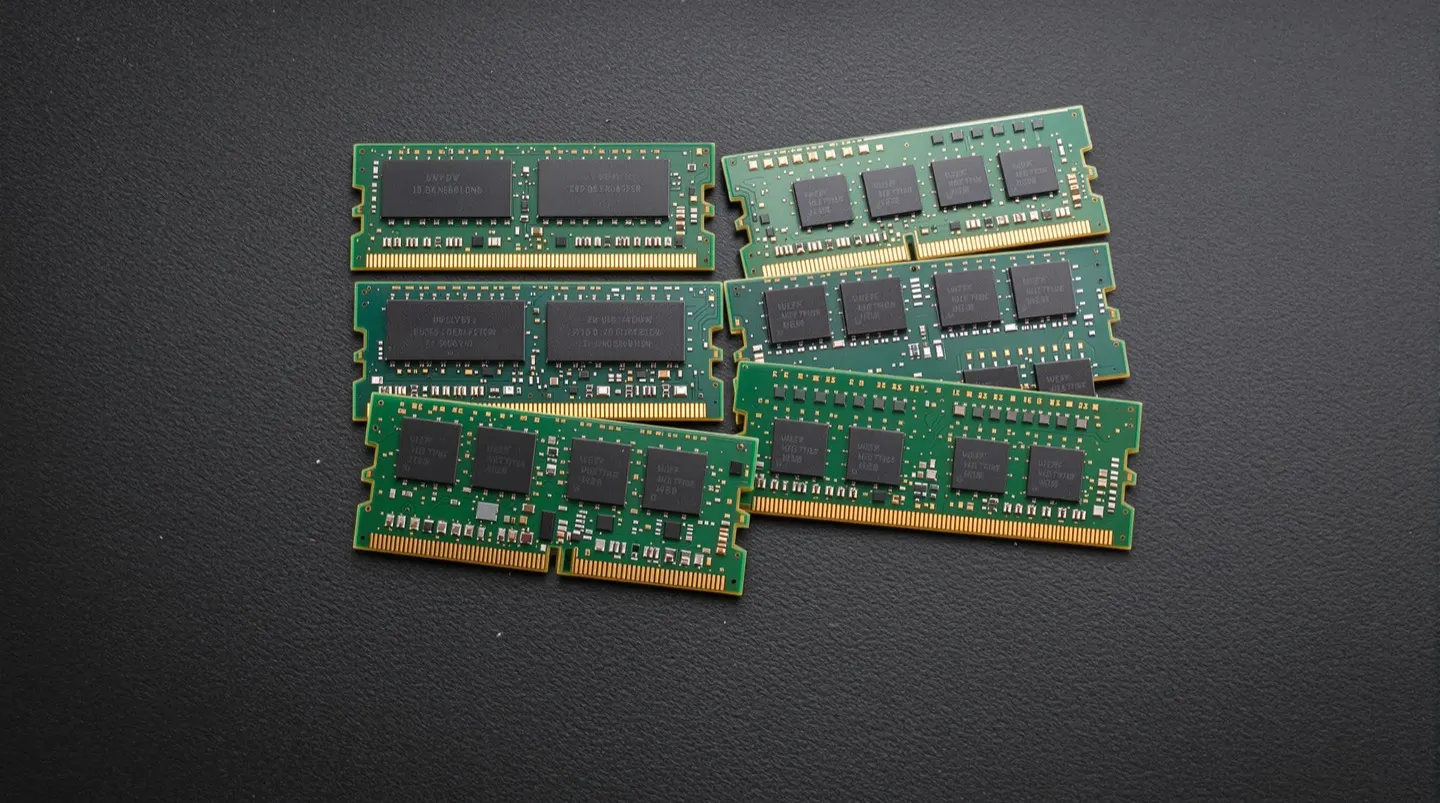
- RAM and storage. For most students, 16GB of RAM is a sensible target for longevity, especially if they keep many browser tabs and apps open. Storage is more flexible thanks to cloud services, but 256GB is a workable floor and 512GB is more comfortable.
- Software compatibility. This is the factor most often overlooked. Some courses and majors require specific software that only runs on Windows or performs better with a dedicated GPU. Checking course requirements before buying can prevent an expensive mistake.
Matching the Laptop to the Major
The single most useful thing a prospective student can do is ask what their program actually requires. A few patterns tend to hold:
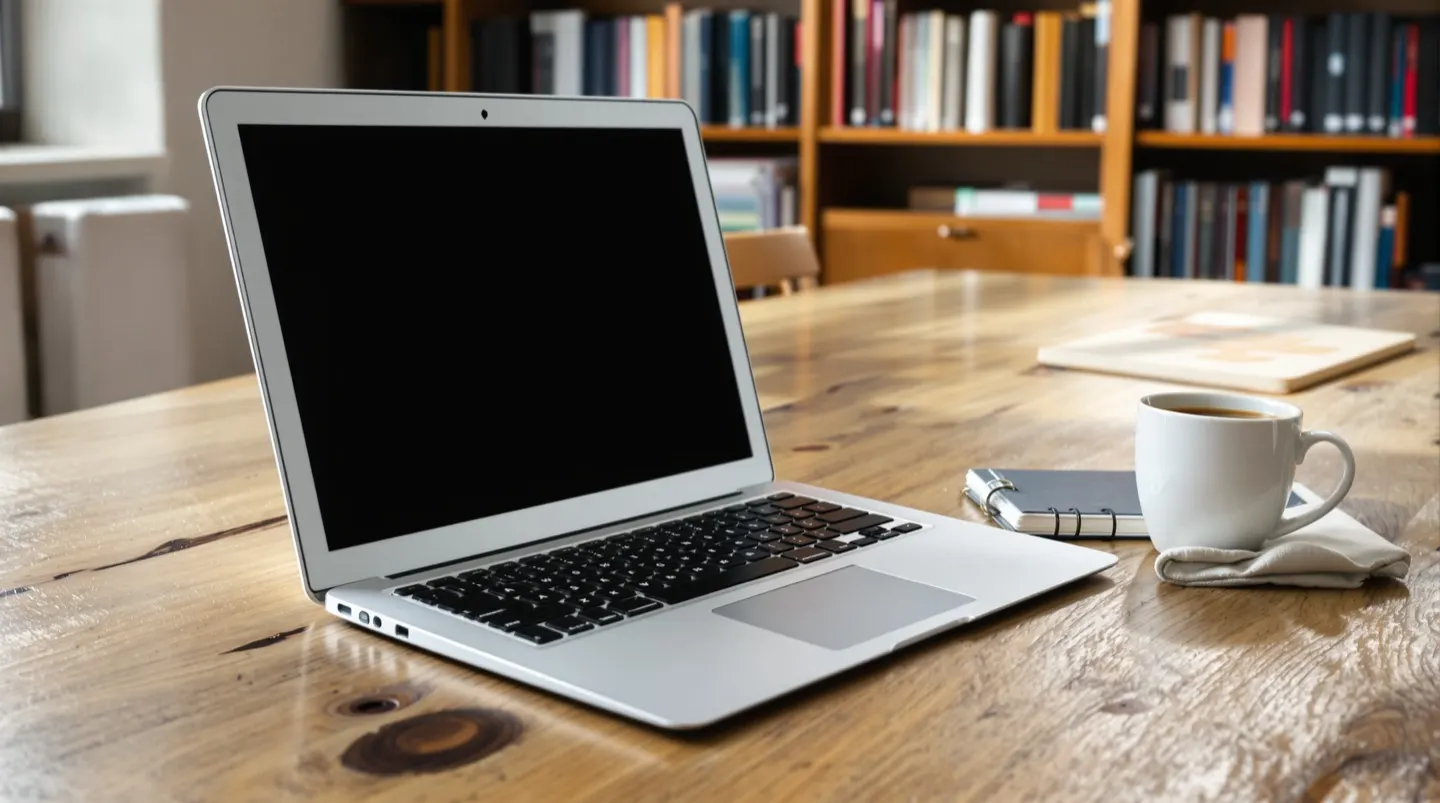
- Humanities and social sciences. Writing, research, and media consumption dominate. A lightweight, long-battery laptop with a great keyboard is ideal, and almost any modern machine handles the workload. Apple’s MacBook Air and mid-range Windows ultraportables both fit well.
- Business and general studies. Similar needs to humanities, with occasional spreadsheet and presentation work. Portability and reliability matter more than raw power.
- STEM and engineering. Some programs require Windows-only CAD, simulation, or statistics tools. A Windows laptop with decent processing power and enough RAM is often the safer bet. Checking with the department is essential.
- Creative fields. Film, photography, design, and music production students often benefit from faster processors, more RAM, and better displays. A MacBook Pro or a Windows creator-focused laptop makes sense here, though budget will constrain the choice.
- Computer science. Development workloads run on nearly anything, but students benefit from enough RAM to run virtual machines or containers. A mid-range Windows laptop or a MacBook Air covers most needs.
A few practical tips:
- Take advantage of student discounts. Most major manufacturers and Apple offer education pricing, and it can take a meaningful chunk off the price.
- Don’t overspend on the top configuration. A mid-range machine will outlast a degree program if treated well. Spending the savings on a good bag, a warranty, and a backup drive is usually smarter than maxing out specs.
- Consider durability and support. A laptop that fails mid-semester is a crisis. Brands with strong repair networks or accidental-damage coverage are worth a premium.
What It Means for You
The best student laptop is the one that fits the student’s actual needs and budget, not the one with the highest specs. Start by checking the academic program’s software and hardware requirements, then narrow by portability, battery life, and keyboard quality. For most students, a mid-range machine in the $700–$1,200 range hits the sweet spot. Spending more only makes sense when a specific workload — creative work, engineering software, or heavy multitasking — genuinely demands it. The goal isn’t the most powerful laptop; it’s the one that quietly removes friction for four years.