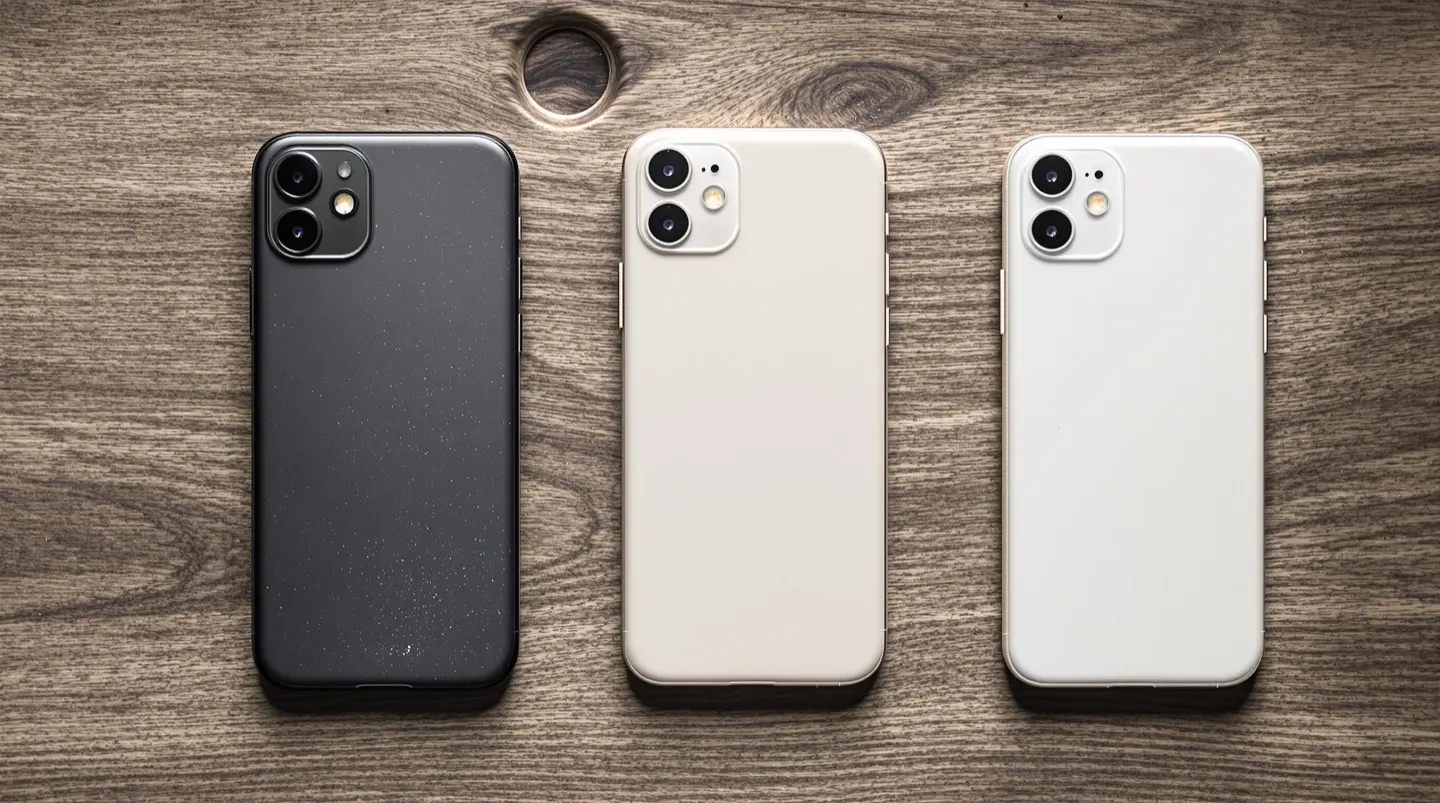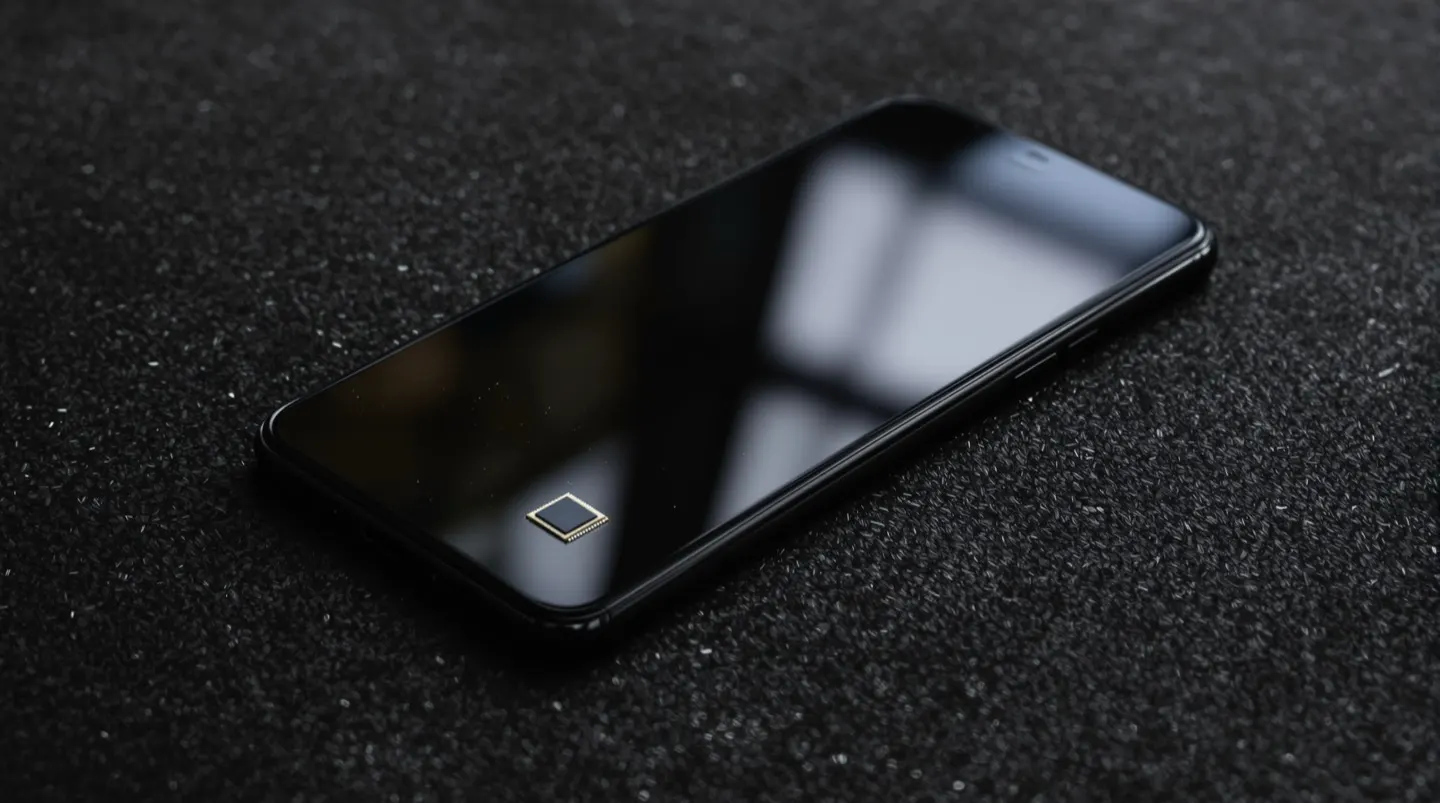
For the first few years of the AI boom, the heavy lifting happened in the cloud. You typed a prompt into an app, the request traveled to a data center, a powerful server generated a response, and the answer came back. That’s changing. The latest smartphones include dedicated hardware designed to run AI models directly on the device, and software is following. The shift is subtle, but it changes how phones feel to use in several important ways.
What On-Device AI Actually Does
On-device AI, sometimes called edge AI, runs small models directly on the phone’s processor rather than sending requests to a remote server. Modern flagship chips include specialized hardware — often called a neural processing unit, or NPU — built specifically for these workloads, which makes it practical to run AI features without draining the battery or slowing the phone down.
The features this enables tend to fall into a few categories:
- Photography and media. Background blur in portraits, skin smoothing, object removal, noise reduction in low-light shots, and real-time translation of signs and menus all lean on on-device models. These features have existed for years, but newer hardware lets them run faster and more sophisticated.
- Language and communication. Live translation of phone calls and messages, real-time captioning of audio and video, smart replies in messaging apps, and on-device dictation are all powered by local models. Running them on-device makes them faster and usable offline.
- Search and organization. Searching your photo library by describing what’s in a picture, finding a specific document by content, or summarizing a long thread of notifications are all tasks on-device AI handles more smoothly than the cloud-based alternatives.
- Assistants and text tools. Summarization, rewriting, drafting, and proofreading tools increasingly run on-device, especially for short tasks. This makes them faster and always available, even with no connection.
Why Running AI Locally Matters
The shift from cloud to device isn’t just a technical curiosity. It changes a few things that matter to users:
- Privacy. When a feature runs on your phone, your data doesn’t have to leave the device. That’s a meaningful difference for sensitive content — health information, financial documents, private messages, personal photos. You’re trusting the operating system rather than a remote server with whatever the feature is processing.
- Speed and offline use. Local AI features work without a network connection and respond without the round-trip delay of a cloud request. On a plane, in a basement, or on a spotty connection, on-device AI keeps working.
- Cost and infrastructure. Running AI on the phone is effectively free for the user, since it doesn’t consume cloud compute that companies would otherwise meter or charge for. That’s part of why device makers are pushing local features hard.
- Battery and capability trade-offs. The catch is that on-device models are smaller and less capable than the massive cloud models that power the most advanced assistants. For complex reasoning, large document analysis, or cutting-edge image generation, cloud-based AI still leads. The two approaches complement each other rather than one replacing the other.
What It Means for You
On-device AI is one of those changes that’s easy to underestimate because most of it happens invisibly. You don’t “use on-device AI” any more than you “use a compiler” — you use features that happen to be powered by it. But the cumulative effect is a phone that’s faster, more private, and more capable offline than it was a few years ago.
For most users, the practical takeaway is to take advantage of the features already on their phone. If you haven’t tried on-device photo search, live captioning, call screening, or the various writing and summarization tools now built into iOS and Android, it’s worth exploring what’s available in your settings. These features are quietly some of the most useful things a modern smartphone does, and they’re only going to get better as the hardware and software mature together.